
Uncategorized
Kaasino Casino UK: Bets Login and Account Access Explained
Finding the right login page is a small but important part of using an online casino. For players in the United Kingdom, this guide explains how to approach Kaasino Casino account access, what to check before signing in, and how to handle common problems. It also covers practical security steps and the account details to review before placing a bet. Casino features and availability can change, so verify current terms on the official site before registering or depositing.
Getting to the correct login page
Start by opening the casino’s official website using a saved, verified bookmark or by carefully checking the address in your browser. Avoid login links in unsolicited messages, social media posts, or advertisements that you cannot verify. A lookalike page may imitate a casino’s branding while attempting to collect passwords or payment information.
Once on the site, select the sign-in or login option, usually displayed near the top of the page. Enter the email address or username associated with your account and your password. If the website offers a “remember me” option, use it only on a private device that you control—not on a shared computer or public network.
The exact layout, accepted login details, and available account features may vary by region and over time. If a page asks for unusual information, such as your full payment-card PIN, stop and contact customer support through a channel listed on the official website.
Before you create an account
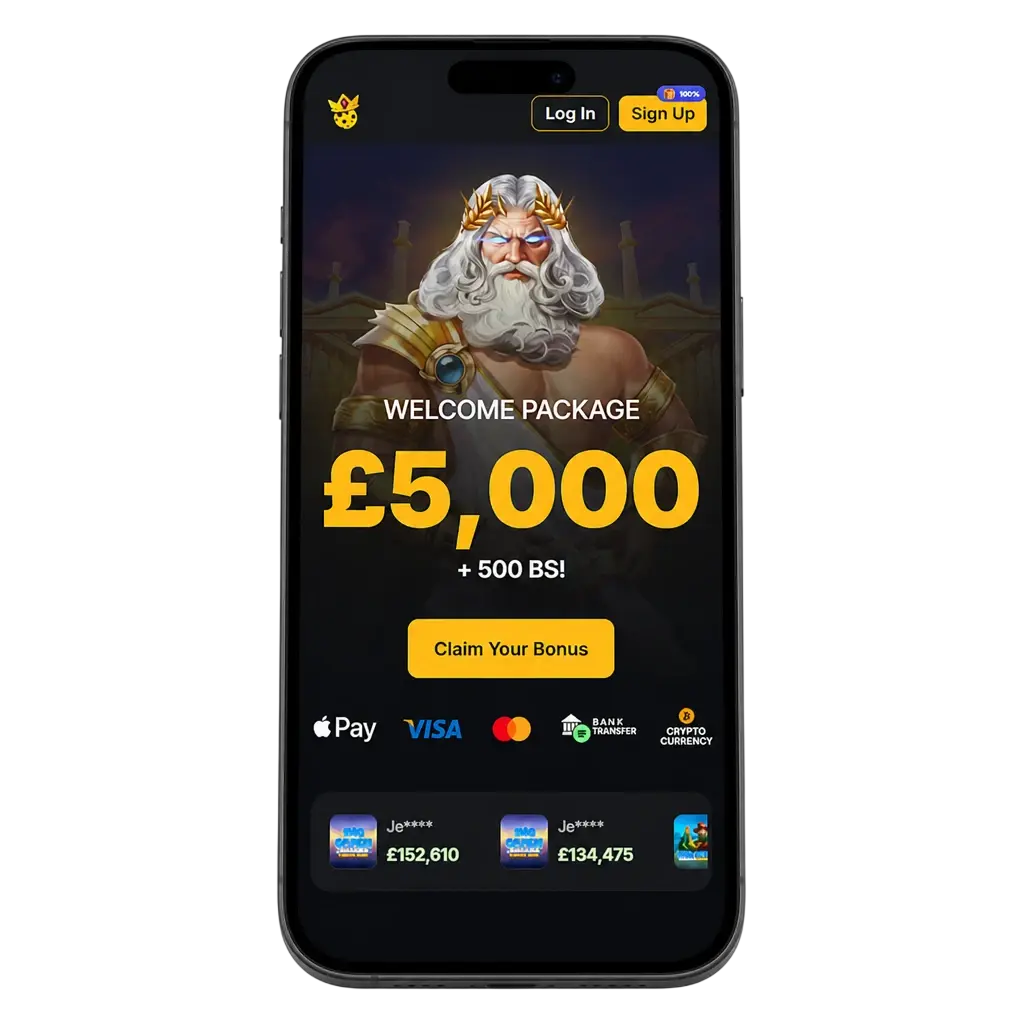
Players in Great Britain should confirm that an online casino is legally permitted to offer gambling services to them. Check the operator’s legal name and licence information, and consult the UK Gambling Commission’s public register where applicable. A familiar brand name alone is not proof of licensing or suitability.
Read the terms that apply to your location before providing personal details. These should explain age and identity checks, payment options, withdrawal rules, bonus conditions, account restrictions, and how to contact the operator. Do not use a VPN or inaccurate personal information to bypass location controls or eligibility requirements; doing so may breach the terms and complicate withdrawals.
Signing in step by step
- Open the verified website. Check the domain spelling and make sure the page uses a secure connection.
- Choose “Login” or “Sign in.” If you are new, use the registration option instead of trying to access an account that does not exist.
- Enter your registered details. Check for typing errors, accidental spaces, and whether your device has enabled caps lock.
- Complete any security check. The operator may request an email code, text-message code, or other verification step.
- Review your account status. Confirm that the displayed balance, bonus status, and personal details are correct before playing.
Never share a one-time verification code with another person, even if they claim to be a casino employee. Genuine support staff should not need your password or a code that grants access to your account.
When login does not work
First, re-enter your details carefully. A password manager can help prevent mistakes, but make sure it is filling credentials for the genuine casino domain. If you have forgotten your password, use the official password-reset link and follow the instructions sent to the email address on file. Check the spam folder if the message does not arrive, but do not follow a reset link from an unexpected email.
An account may also be inaccessible because of a temporary technical issue, an incomplete verification check, a self-exclusion setting, or a restriction applied by the operator. Avoid repeatedly guessing passwords, as this may trigger a temporary lock. If the reset process fails, contact support using the official site and ask what information is needed to restore access.
Keep your recovery details current
Make sure the email address and phone number associated with your account are still accessible. If you lose access to either, update the information through the casino’s approved process before you need a password reset. Support may request identity documents to verify that you are the account holder; submit them only through a secure, official upload method.
Account security and personal information
Choose a unique password that you do not use for email, banking, or other gambling accounts. A reputable password manager can create and store a long, unpredictable password. If the casino provides multi-factor authentication, consider enabling it. Also protect the email account used for registration, since access to that inbox may allow someone to reset the casino password.
- Sign out after using a shared device, and do not save credentials on it.
- Keep your browser, operating system, and security software up to date.
- Avoid logging in over public Wi-Fi when handling account or payment details.
- Check account activity and contact support promptly about unfamiliar changes.
- Do not send passwords or verification codes through chat, email, or social media.
Use only personal information that matches your identity documents and payment method. Operators commonly need to verify a customer’s age and identity, and may request further checks before processing withdrawals. Accurate details can reduce avoidable delays and help protect the account from unauthorised access.
Bonuses, deposits, and withdrawals
A promotional offer can have conditions that affect when a balance can be withdrawn. Before accepting one, read the full terms, including any wagering requirement, eligible games, maximum bet, expiry date, and withdrawal limits. Do not assume a bonus is cash or that every game contributes equally toward its conditions.
Before depositing, confirm that the payment method is available to you and that its name matches your verified account details. Check minimum and maximum transaction amounts, possible processing times, and any fees described by the operator. For withdrawals, the casino may require identity verification or ask you to use a payment method permitted under its terms. Never deposit money simply to “unlock” a withdrawal unless you have independently confirmed the request with official support.
Responsible play and account controls
Online gambling involves a risk of losing money. Decide on a spending limit before playing, use money set aside for entertainment, and do not chase losses or borrow to gamble. If the activity stops being enjoyable or affects your finances, take a break and use available account controls such as deposit limits, time reminders, time-outs, or self-exclusion.
People in Great Britain can find confidential support through organisations such as GamCare and GambleAware. If you need urgent help managing gambling, contact a recognised support service rather than relying on a casino’s promotional material. Account access should never be treated as a reason to continue playing when you have chosen to stop.
Quick account-access checklist
| Check | What to do |
|---|---|
| Website | Use a verified official address and inspect it before entering credentials. |
| Login details | Use the email or username and password registered to your own account. |
| Verification | Complete requested checks only through the casino’s official process. |
| Security | Use a unique password and keep verification codes private. |
| Terms | Read current rules for bonuses, payments, withdrawals, and account restrictions. |
| Wellbeing | Set limits and take a break if gambling is no longer under control. |
Frequently asked questions
What should I do if I forget my password?
Use the password-reset feature on the verified website. Follow the message sent to your registered email address, and contact official support if you no longer have access to that inbox.
Why might my account be temporarily locked?
Several unsuccessful login attempts, security checks, or account verification issues may prevent access. Wait for any stated lockout period and contact support if the problem continues. Avoid creating another account to get around a restriction.
Can I log in from a phone?
If the official site supports mobile access, you can use a current browser or an official app obtained from a trusted source. Check the domain or publisher before entering credentials, and avoid installing software from links in unsolicited messages.
What if I see an unfamiliar transaction or account change?
Change your password from a secure device, protect the email account connected to the casino, and contact the operator’s official support immediately. If a payment method may be compromised, contact your bank or payment provider as well.
Final thoughts
Logging into kaasino casino uk should be straightforward when you use the correct website, protect your credentials, and complete account checks through official channels. The safest approach is to verify the operator and its current terms before registering, keep recovery details up to date, and review payment and bonus conditions before spending. If access problems persist, seek help from verified customer support rather than third-party links or unofficial accounts.
